Some Assembly Required
BrickedSeptember 2026Hack the North 2026 · Winner
Type “space shuttle” into Bricked. Four minutes and fourteen seconds later you have a model made of 141 real Lego parts that hold together and stand up on their own, a step-by-step manual, and a button that orders the pieces.
We built Bricked over one weekend at Hack the North 2026, and it won. This writeup takes the system apart, piece by piece, from the code in our repository: what each step does, why it is there, and what we measured along the way.
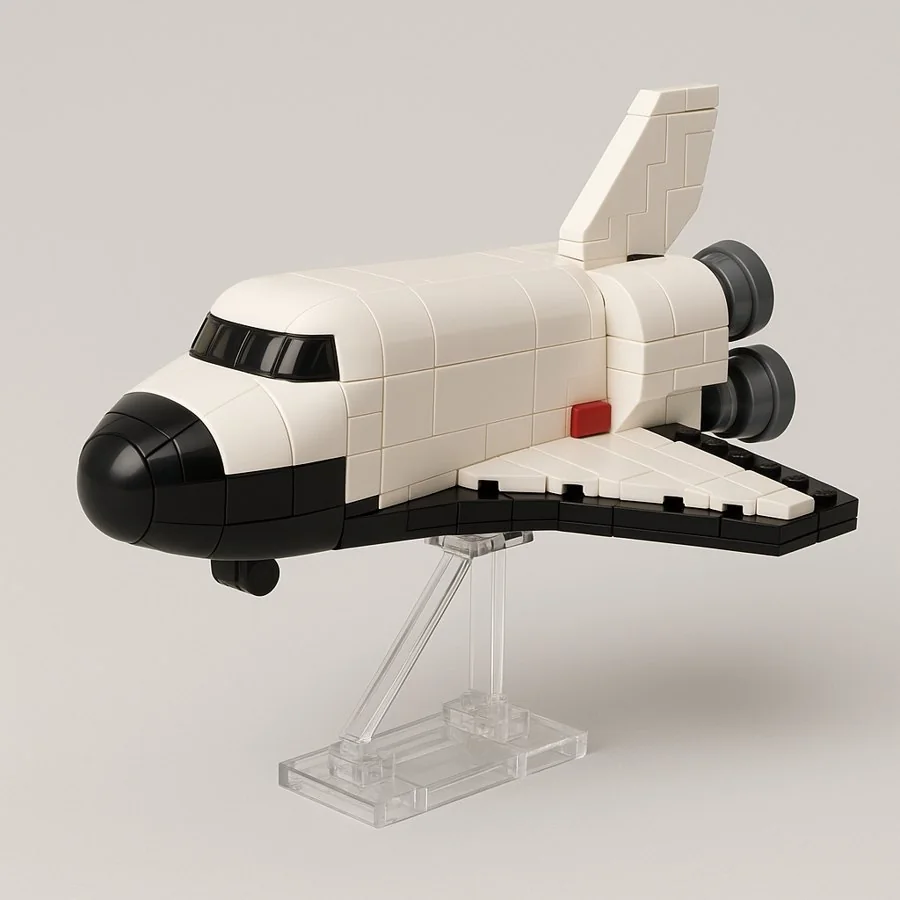 Imagined
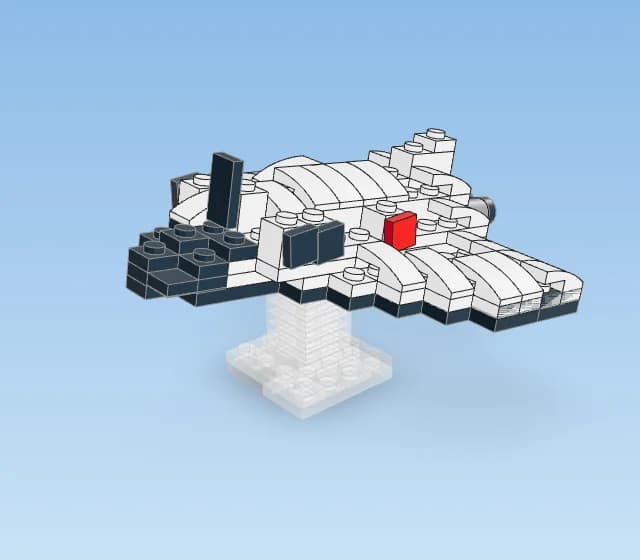 Built
What Bricked does
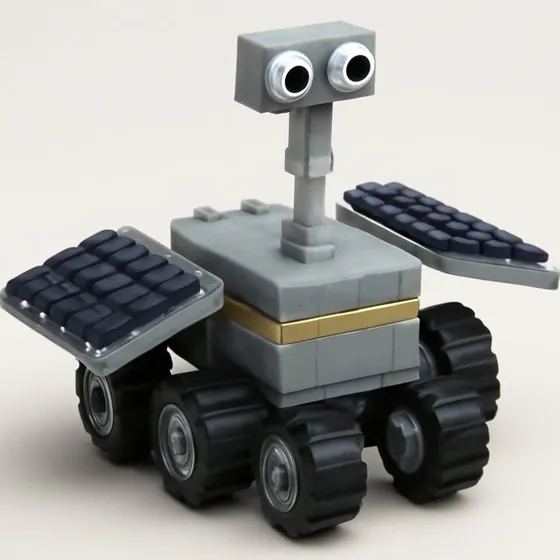
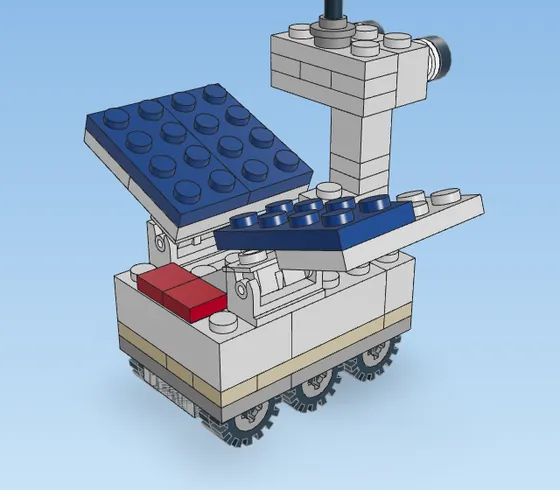
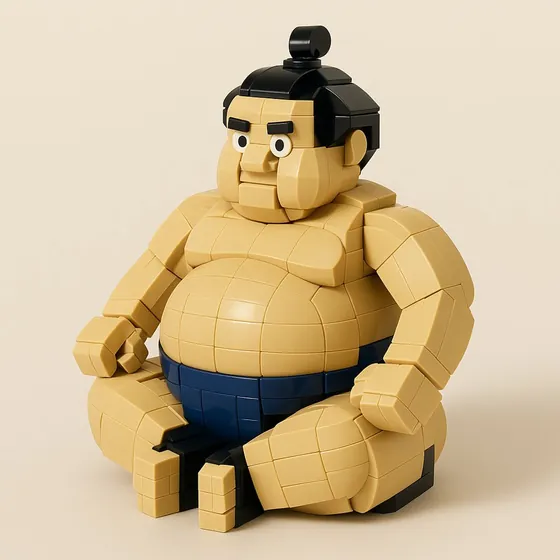
Bricked is a web app with one text box. You describe anything (a frog, a Mars rover, a sumo wrestler) and it designs a Lego model of it from parts that really exist. When the design is done, you can turn it around in 3D, follow the instructions one step at a time, change it in plain words, and buy the bricks.
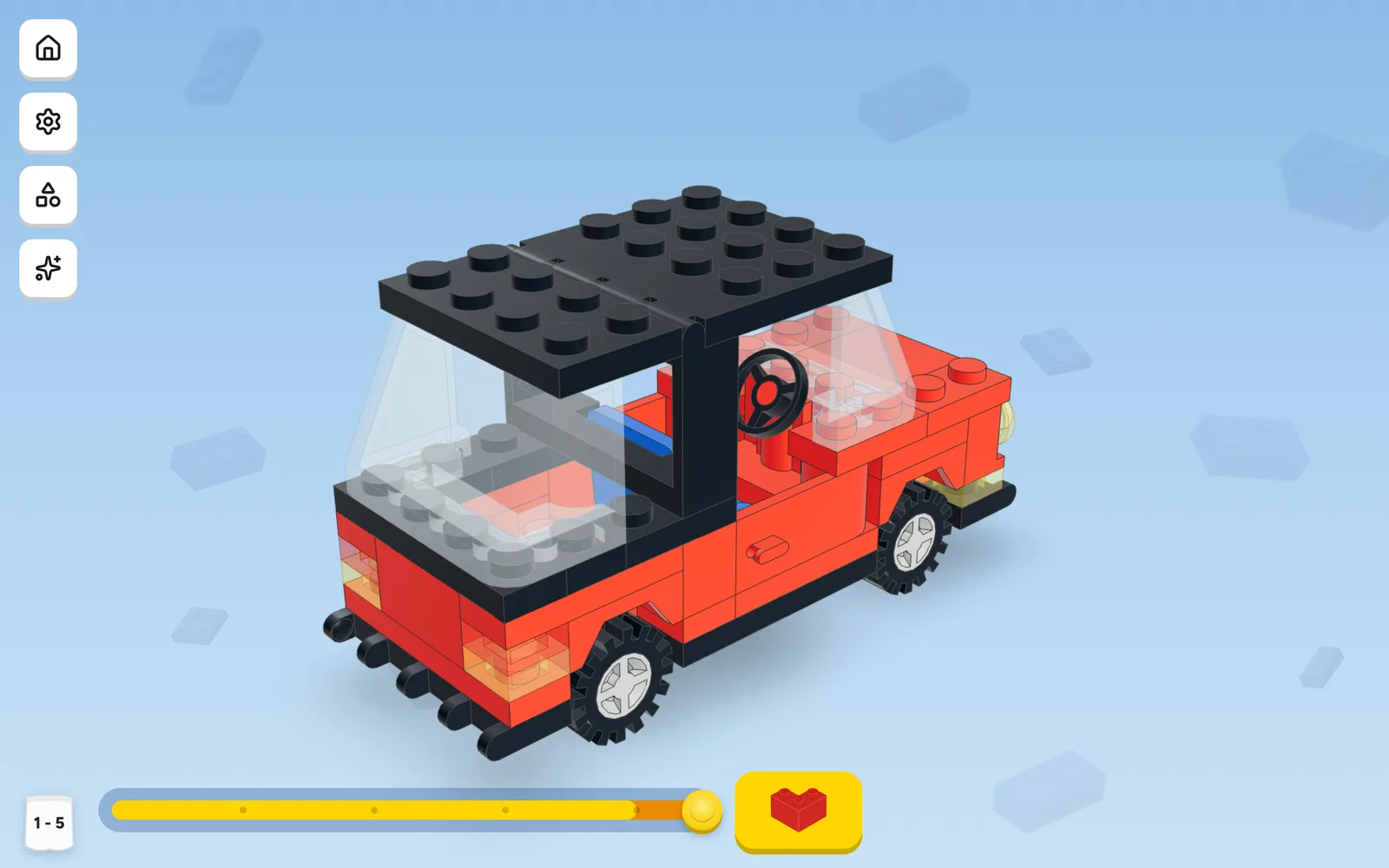
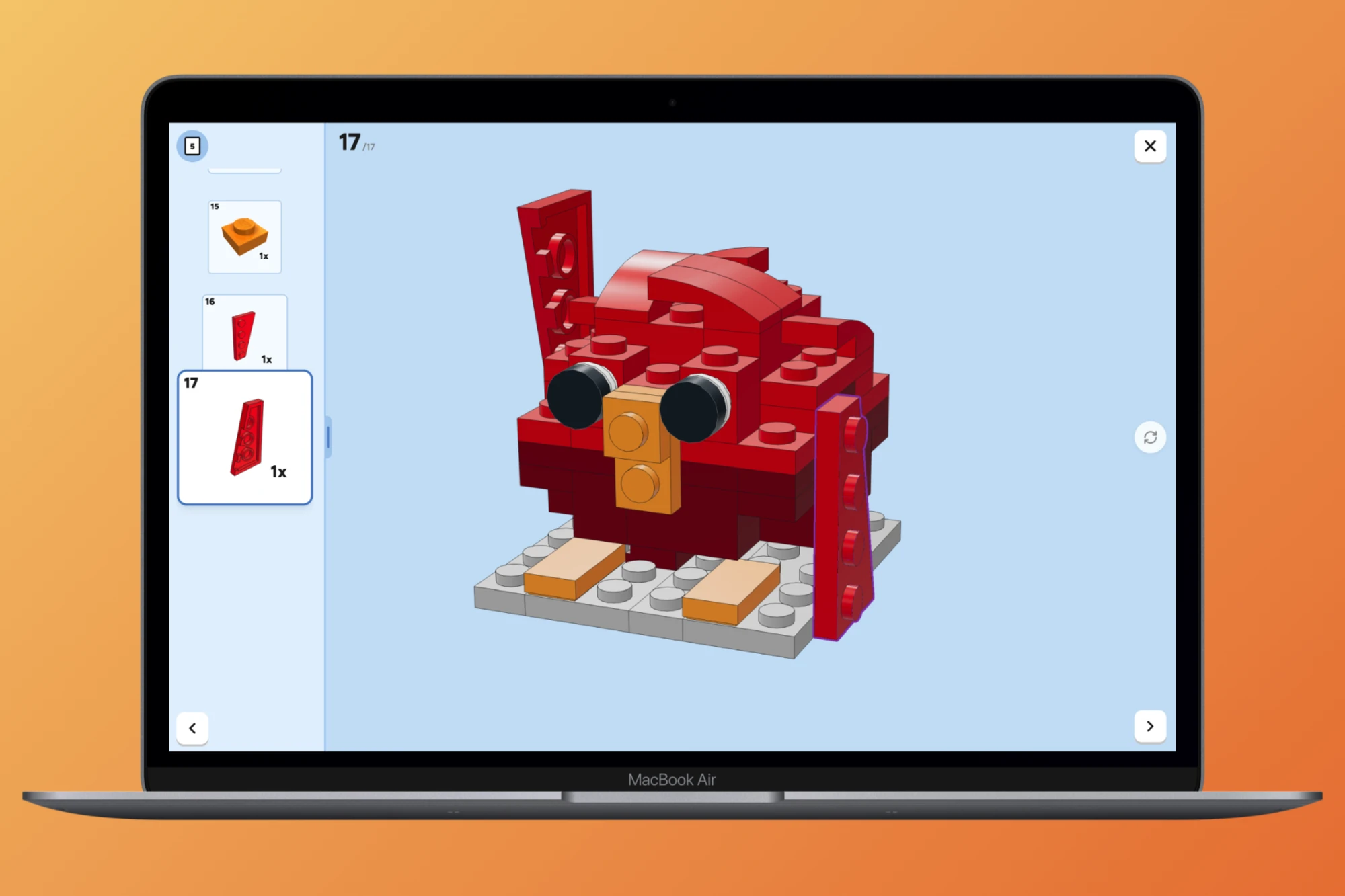
Why the first version built blobs
The first version asked language models to place the bricks themselves. The repository keeps it as pipeline A: a planner splits the object into bands of layers, a builder agent places each band’s bricks on a 20 × 20 × 20 grid, a code inspector checks them, and a vision critic scores a render of the result.
Every part of that loop worked except the one that mattered. A language model is good at deciding that a flower needs a pot, a stem and petals. It is poor at remembering that a brick it wrote forty lines ago already fills the spot it is about to use. The bricks overlapped, floated, or bunched together, and the models came out as blobs.
So the rule was turned around, and the rest of the system follows from it.
Models decide what to build. Code places every brick.
Pipeline B put that rule into practice: the model writes a short design brief, and code turns it into real parts. Pipeline C, which the app runs today, keeps B’s kernel and adds the parts of A that worked: a stability check, a fast model for small steps and a strong one for design, live streaming to the screen, and a firm ban on silent fallbacks. (For a while, every failed run quietly returned a cube.)
How the pieces fit
Bricked has three layers. In the browser, a Next.js app takes the idea and draws the model. In the middle, a small Python server starts runs and streams their progress. Underneath, the pipeline calls the models and the kernel and writes everything it makes to disk.
The harness
The harness is the loop that turns an idea into a checked model. It divides the work by what each part is good at.
Image models imagine
They have seen more Lego than anyone alive, so they draw the finished set.
Claude agents design
They decide which pieces make a wing, which colours to use, and what attaches to what.
The kernel places
Putting a brick in exactly the right place is arithmetic, not judgement, so code does it.
It works the way a person builds. Asked for a Lego flamingo, you would picture a flamingo first, then place a few bricks, compare them with the picture in your head, and fix what looks wrong. The harness runs that same loop, with the picture made real.
Distill: make the idea buildable
Many ideas can’t be built as stated. A dog holding an umbrella needs a paw that grips a thin pole at an angle, and no part in the kit does that. So the first call rewrites the idea before anything is drawn. Its instruction fits in five words: keep the joke, drop the physics.
The distiller returns a small structured record: the subject, a one-line concept, three to five signature features, the simplifications it made, and the exact prompt for the image model. For the shuttle it chose “chunky delta wings”, “a rounded white nose” and “three round engine nozzles at the rear”, and it simplified away the fuel tank and boosters by putting the orbiter on a tilted display stand.
This is a rewrite, not a design problem, so it runs on the fast model with thinking switched off. It is the cheapest step in the run.
Imagine: a picture to build against
Next, an image model draws the distilled concept as “a studio product photo of an official LEGO set”. This picture is the reference for the rest of the run. The designer builds from it, and the critic judges against it.
It changes the task completely. A language model asked to build a hummingbird from words alone has to invent every proportion: how long the beak is, how high the wings sit, which greens to use. Given a photo, it only has to read them off.
Concept · 0:44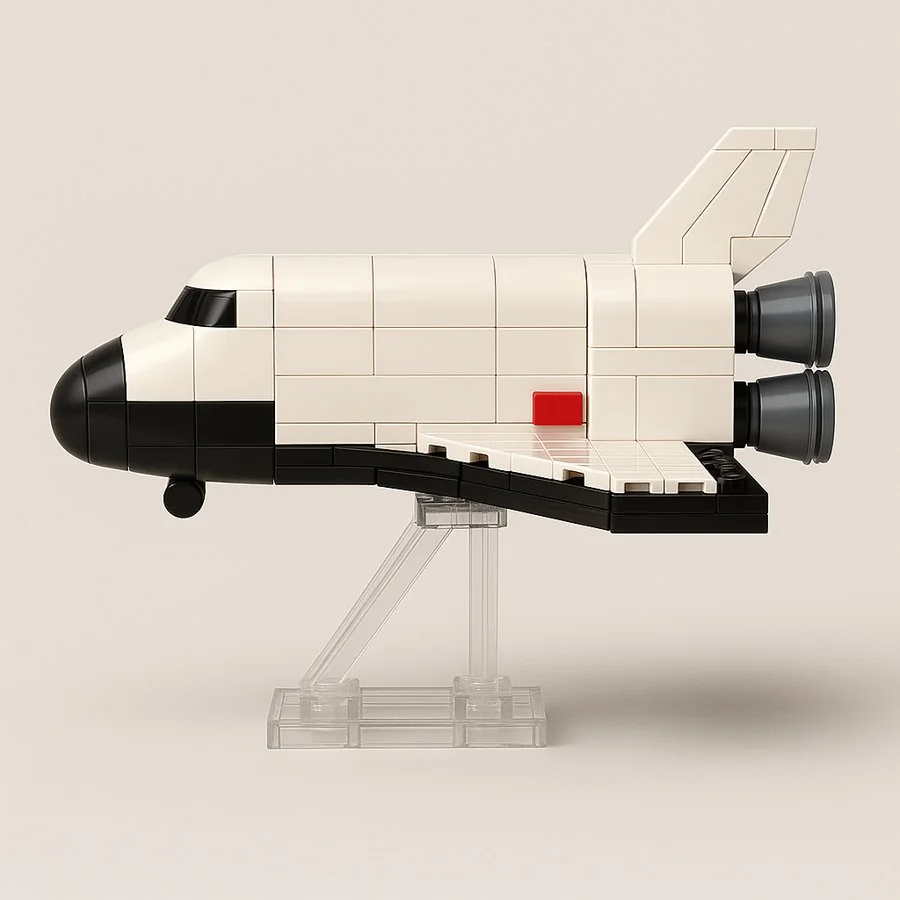 Side · 1:15
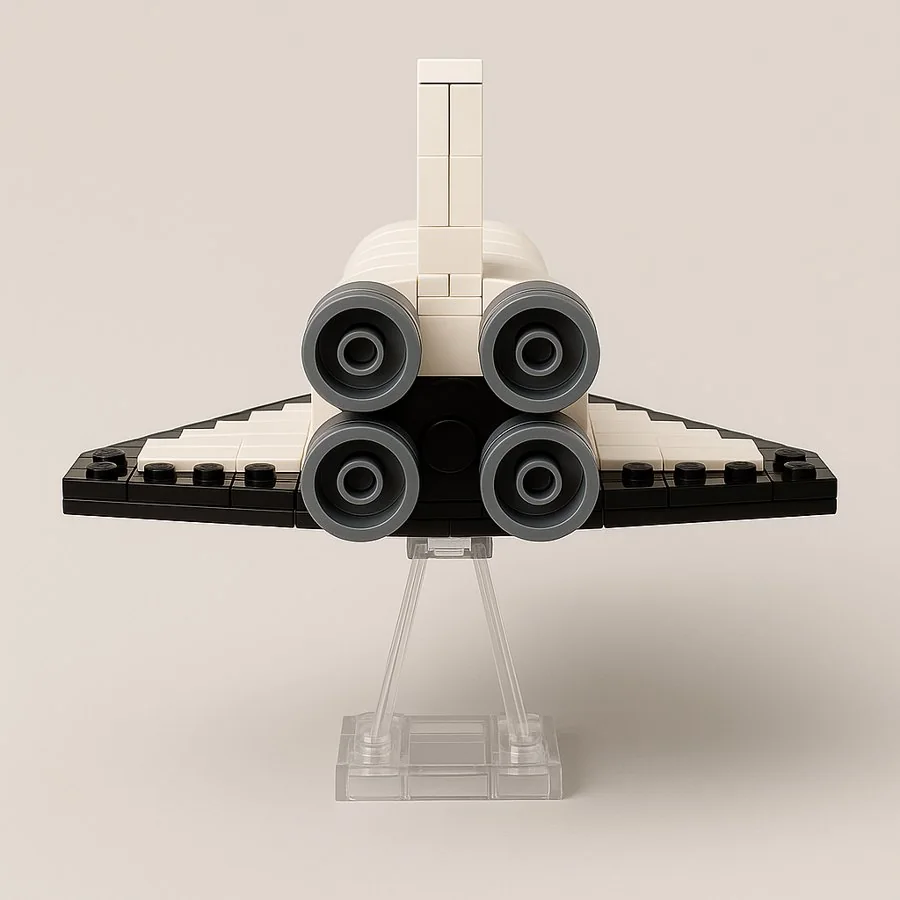 Back · 1:15
One photo hides the back and the far side, so the harness asks for two more views. They are drawn on a background thread while the designer is already writing the brief from the front view. The critic, which runs later, gets all three. If a view fails, the run loses some depth, not the whole run. And if you draw a sketch in the app, your sketch takes the concept’s place, and the harness designs toward your drawing instead.
Plan: a brief, not coordinates
With the pictures in hand, the designer agent (Claude Opus, thinking at medium effort) writes a build brief. The brief is the agents’ entire vocabulary, and it is small on purpose. It never contains a position in space, and it never names the bricks in a wall.
A brief describes the model as a tree of bodies. Each body has its own small grid, one stud wide and one plate tall per cell, and says which cells are filled and in which colour. Bodies attach to each other only through real Lego connectors.
A simplified piece of the shuttle’s brief: the stand, two of its layers, and the hinge that carries the fuselage. Each row is a line of cells, one letter per colour.
{
  "palette": { "w": 15, "k": 0, "c": 47 },
  "root": "stand",
  "bodies": [
    { "name": "stand",
      "layers": [
        ["cccc", "cccc", "cccc", "cccc"],
        ["....", ".cc.", ".cc.", "...."]
      ],
      "connectors": [
        { "part": "3937", "kind": "hinge", "at": [1, 8, 1],
          "attach": [{ "body": "fuselage", "angle": -10 }] }
      ] },
    { "name": "fuselage", "layers": [ ... ] }
  ]
}Hinge brick
Turns the body above it by a set angle. Used for wings, tails and tilted display stands.
Side stud
A brick with a stud on its side, so a body can face outward. Used for faces, windows and anything that sticks out sideways.
Small details (round tiles for eyes, a bar for a beak, wheels on a pin plate) sit on those connectors. A whole model uses two to five colours and 60 to 250 parts.
Here is what one body looks like once the kernel has it. Cut the shuttle’s fuselage down its middle and you see the brief’s cells, layer by layer: a black belly, a white body, the nose on the left and the tail fin on the right.
The brief fills cells, one colour each. On its own, every cell would be a single 1×1 plate.
The designer can be asked for several briefs at once, each with a different instruction: “closest to the art”, “chunkier and simpler”, or “bolder features”. They are written in parallel, so three take as long as one. While the first is still being written, the harness reads it as it streams in, and every time a new body is complete it builds the bodies so far and shows them on screen.
Build: the geometry kernel
The kernel turns a brief into a list of real parts in LDraw and checks that list the way a careful builder would. It takes milliseconds; almost all of a run’s time is spent waiting on models.
.ldr, brief, reportAssemble. Inside each body, connectors claim their cells first. The remaining cells start as 1 × 1 pieces and are merged into bigger real parts, following a method from research on brick sculptures (Testuz, Schwartzburg and Pauly, 2013). The first pass only takes merges that join two separate groups, which is what removes loose pieces. The second pass merges for size, alternating direction from layer to layer so the seams cross. If anything is still loose, that region is broken back into single plates and merged again. Finally, a surfacing pass rounds off exposed top edges with curved slopes, and each child body is placed by the geometry of its connector: along the side stud, or rotated about the hinge.
Trim slivers. When a wing on a hinge reaches a few pieces into the body it hangs from, a builder would just leave those pieces out. The kernel does the same. Decorative slopes always give way to structure, and a child body loses the few pieces that overlap its parent. If the trim would take more than a third of a body, it stops and reports the problem instead. In the code’s words: trimming a sliver is a fix; trimming a third of a body is a cover-up.
Collisions. Each part’s solid body is sampled on a fine lattice, every 4 LDraw units, and the samples are dropped into buckets. A bucket claimed by parts from two different bodies is a collision. Designed interlocks, such as a hinge top sitting inside its base or a wheel on its pin, are allowed.
Stands. The centre of mass, with every part weighted by its volume, has to fall inside the footprint of the parts touching the ground. Studs grip, so a quarter of a stud past the edge still counts as standing.
Each body arrives as cells: the fuselage, a hinge brick, and the clear stand.
Same fuselage, with the stand moved under the nose.
Any problem (a collision, a model that tips, fewer than twelve parts) goes to a repair step. The fast model gets the brief and the kernel’s report and answers with a patch: only the bodies it changes. The kernel rebuilds once. If the result still won’t build, that round is thrown away; a legal build always beats a prettier broken one.
A simplified version of that rule, as the harness runs it after every brief it writes:
def build_checked(brief, fixes=1):
    parts, report, problems = build(brief)
    for _ in range(fixes):
        if not problems:
            break
        brief = repair(brief, problems)
        parts, report, problems = build(brief)
return brief, parts, report, problemsJudge: render, critique, choose
A model that passes the kernel is rendered from four angles: front, left, back and right. A headless browser opens the app’s own 3D viewer once and turns the model for each view, so the renders show exactly what you will see.
The critic agent (Claude Opus again) gets the concept pictures, the four renders and anything the kernel flagged. It replies with a score out of ten and a list of issues, worst first. It is a harsh judge, and that is the point: its notes are instructions for the next round, not a grade.
The designer’s answer is a patch, not a new brief. Patches are about five times less to write, and the parts that already work can’t drift while something else is being fixed. A loop that rewrote the whole brief each round scored 5, then 5, then 3 on the same model.
A simplified version of the rounds that follow the first build:
for rnd in range(1, rounds + 1):
    if score >= target:
        break
    brief = revise(brief, issues, shots)
    brief, parts, report, problems = build_checked(brief)
    if parts is None:
        break
    shots = render(f"r{rnd}")
    score, issues = judge(shots, problems)
    built.append(brief)

review(built)Measuring also turned up a surprise. Over four test runs, the revision round made the model worse every time, even once the designer could see the renders it was fixing.
The lesson was that choice beats polish. Part of the problem was the scores themselves: comparing several designs side by side and scoring one design alone produce numbers that don’t line up. So the harness stopped trusting the score to decide. The app now builds a first version, revises it once, and then shows you every version it built, with the critic’s favourite marked. You can keep one, or keep one and say what to change. If nobody answers within three minutes, the critic decides.
Watching it work
Nothing in a run happens behind a spinner. Every step writes a line to a tape (who did it, what happened, and whether it worked), and the tape is saved with the run and streamed to the browser as it happens. A small translation layer in the app rewrites each line into plain words, so you read “Sketched the design” rather than an engineer’s log message.
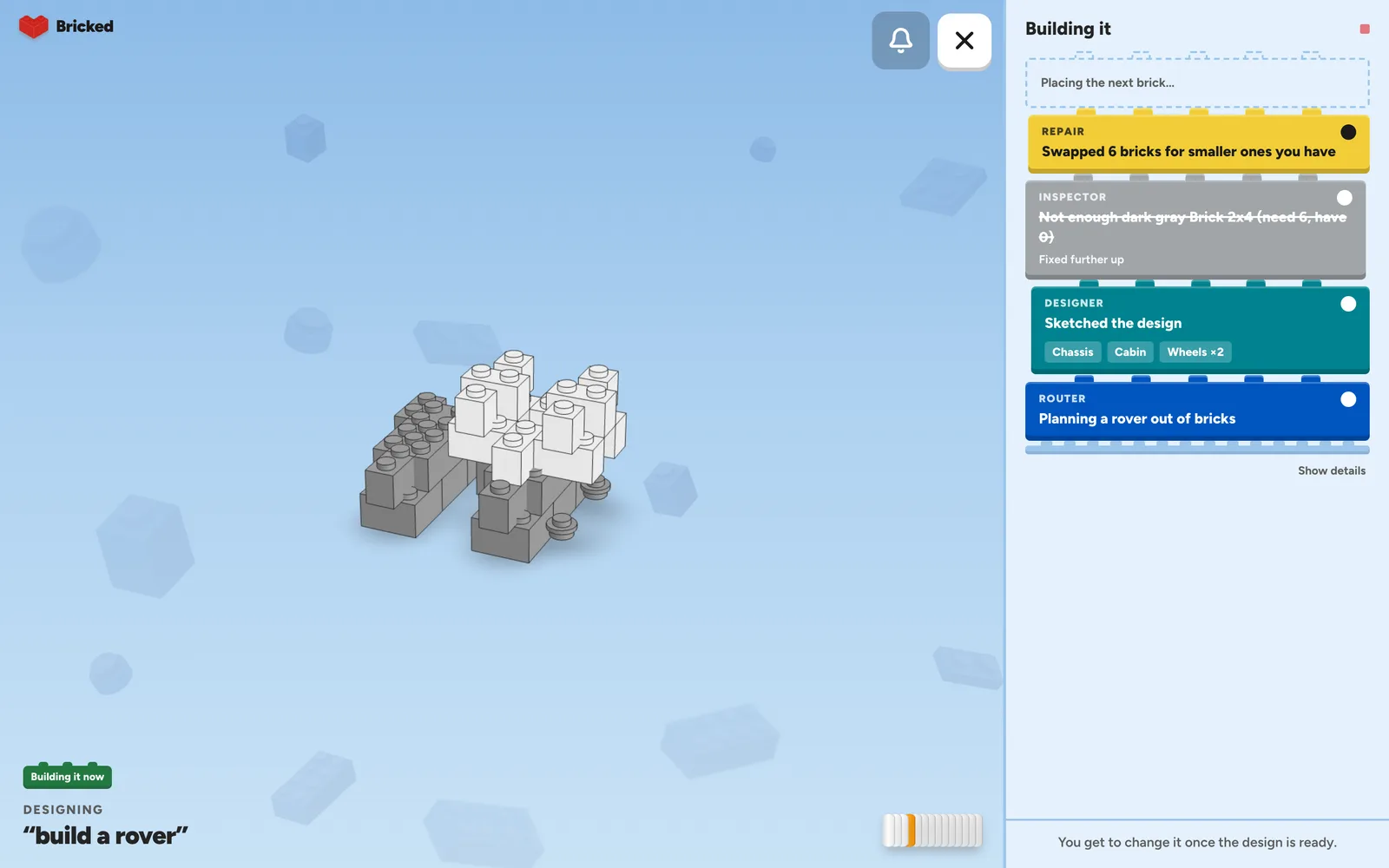
Pictures ride the tape as small thumbnails, and every built round is sent to the 3D view the moment it exists. While the designer is still writing, the half-finished brief is parsed every 400 characters; once two bodies are complete, they are assembled and drawn as a draft. The bricks are real. They are simply not all there yet.
- 0:07Concept distilled
- 0:44Concept art ready
- 1:15Side and back views
- 2:04Brief: 9 sub-assemblies
- 2:05Round 0: 128 parts, stands
- 2:25Critic: 2/10
- 3:40Round 1: 141 parts, stands
- 3:56Critic: 3/10
- 4:14Done
Fourteen minutes to four
At the hackathon, the first hummingbird took fourteen minutes. The repository’s notes put a typical run at about 1,000 seconds before tuning and about 290 after. Most of that came from one setting.
By default, the models think before they answer, about 15,000 tokens of thinking to write a brief of about 1,500. Turning the thinking down on one brief, with the same concept image, gave this:
So every model call now names its effort: none for the distiller, low for repairs, medium for writing, revising and judging designs. The rest of the speed came from removing work rather than doing it faster.
- Name the effortthinking set per step
- Patch, don't rewritefive times less to write
- Let code trim sliversno model call for an overlap
- Draw while writingviews drawn during the brief
- One page, four anglesrenders went from 16s to 6s
- Clean callsthe API, or the CLI from an empty folder
Trimming slivers in code was worth more than it sounds: on one penguin run, it removed every repair round. The concept art has a dial too. A high-quality picture takes 31 seconds and a low-quality one 8. Low art is blockier, which is actually closer to what the kit can build, but the picture stays on screen for the whole run, so the default is high.
Runs are the cache
A run is a folder: the concept art, the briefs, every built round, the renders and the tape. That folder is also the cache. When you ask for something Bricked has already made, it doesn’t call a single model. It replays the run.
Matching works the way a person asks. When it matches something other than exactly what you typed, the tape says so.
Filler is ignored
Words such as “a”, “the” and “build me” don’t count.
Every word must appear
Each word you typed has to be somewhere in the saved idea.
The last word is the thing
“Bus” and “school bus” are the same thing. “Dog” and “dog holding an umbrella” are not.
A simplified version of the rule:
FILLER = {"a", "an", "the", "of", "with", "build", "me"}

def words(idea):
    found = re.findall(r"[a-z0-9]+", idea.lower())
    return [w for w in found if w not in FILLER]

def matches(asked, saved):
    want, have = words(asked), words(saved)
return have[-1] == want[-1] and set(want) <= set(have)A replay is not a mock-up. It plays the real tape, shows the real concept art, and puts the real model together on screen in a few pieces, as the first run did. It just doesn’t wait on models that have already answered, so the whole thing takes about twenty seconds. Favourite runs can be exported into the repository, slimmed to about 400 KB each, so a model made on one laptop opens on another.
From a model to real bricks
Because the kernel only ever places parts that exist, the model doubles as a shopping list. The LDraw file already marks the build steps, which the app turns into a manual: one page per step, with that step’s parts laid out beside it.
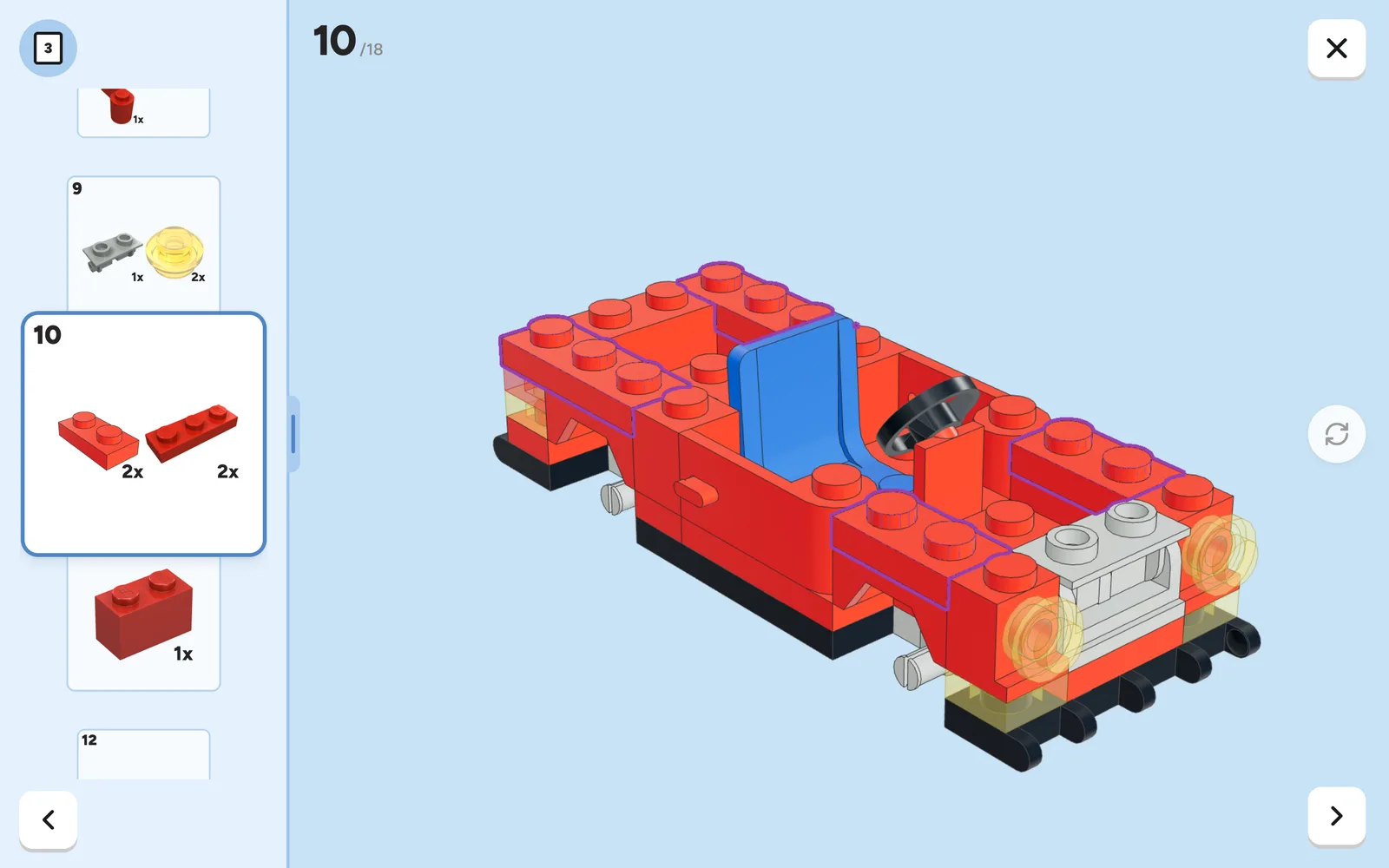
The same parts, counted by part and colour, become the order. Bricked estimates a price for each one, then writes a BrickLink Wanted List, translating every LDraw colour into BrickLink’s. One button copies the list and opens BrickLink’s upload page, where you paste it and buy the lot. Anything BrickLink doesn’t sell is counted and left out, not silently dropped.
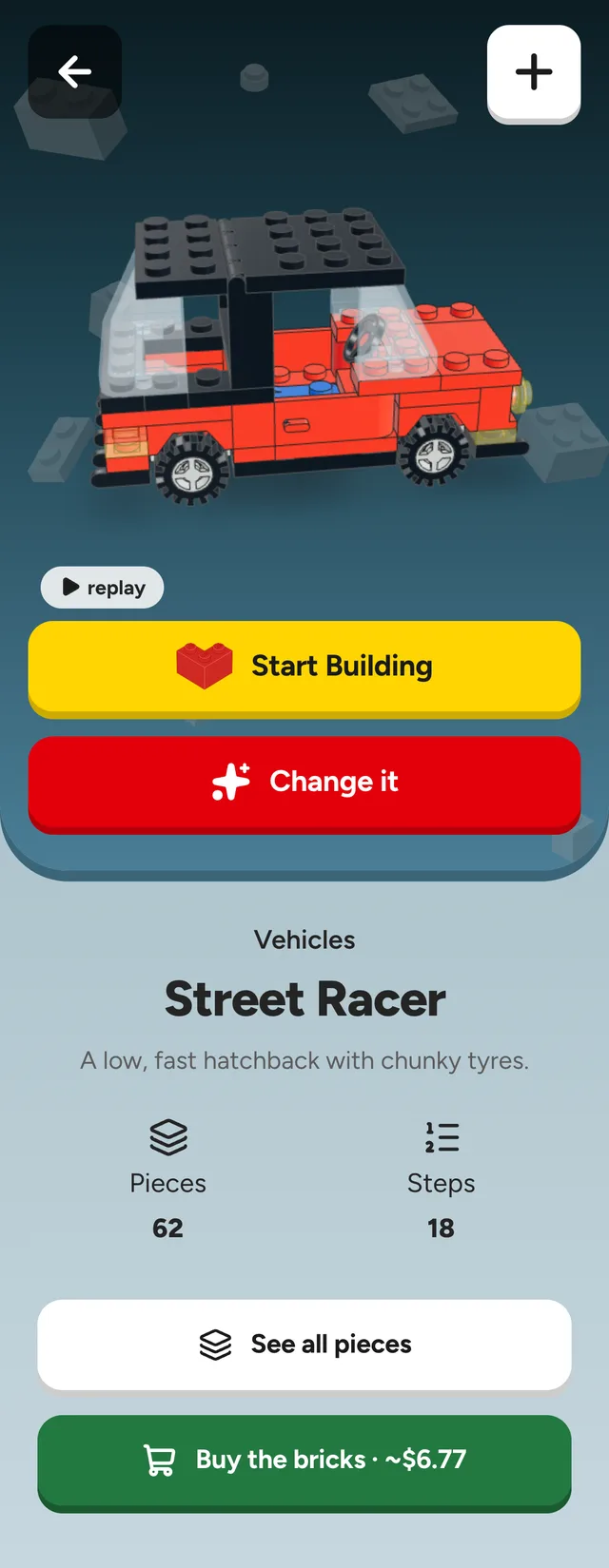
Finished models can also be changed in plain words. “Make the wings bigger” goes to the designer with the current brief and the concept picture, the kernel rebuilds the result, and if the change won’t build, you keep the model you had.
What it can't build yet
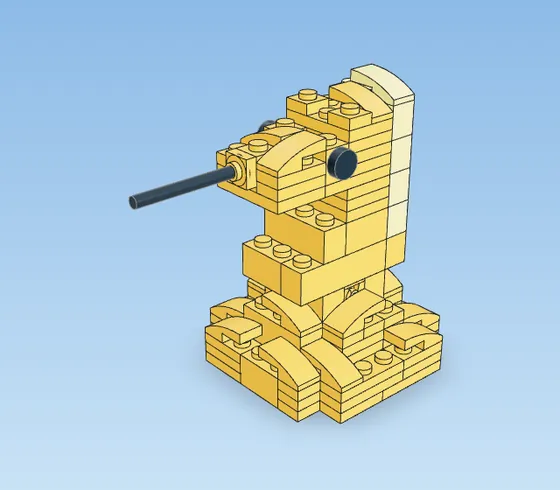
The harness builds a wide range of things well: animals, vehicles, buildings, people and at least one meme.
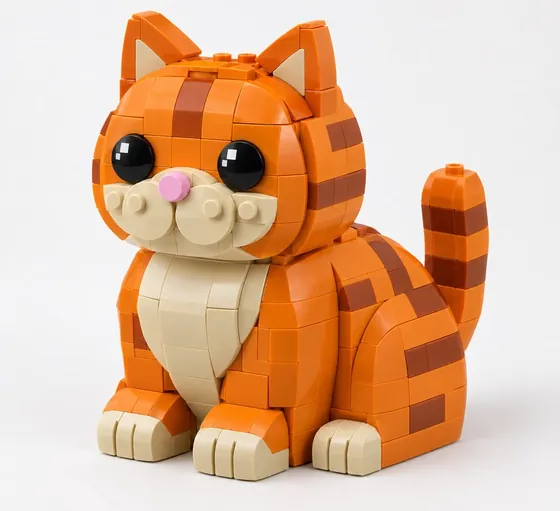
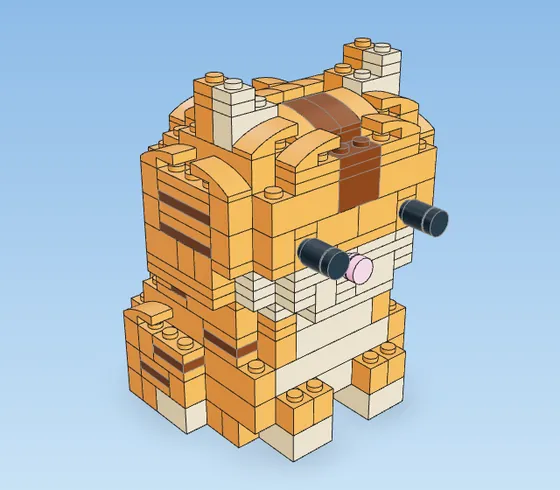
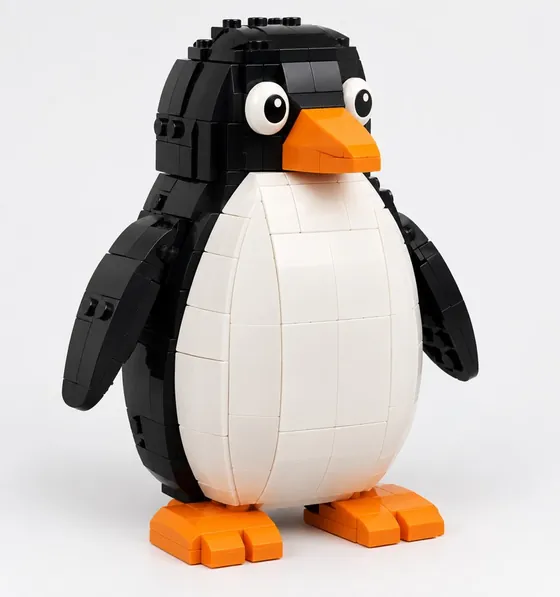
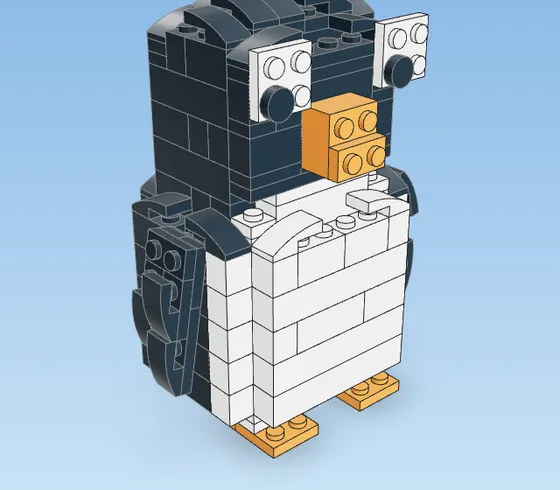
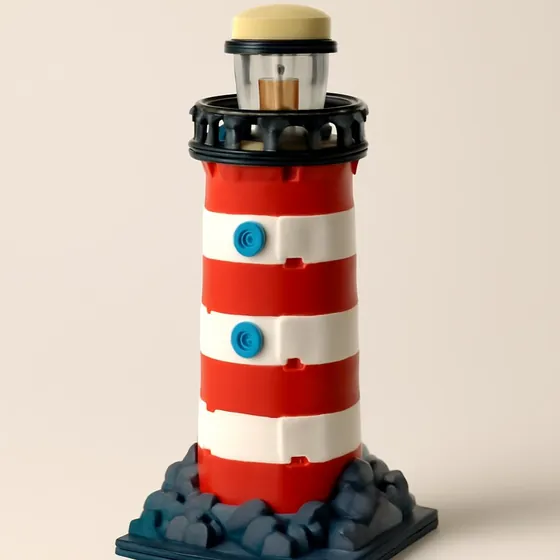
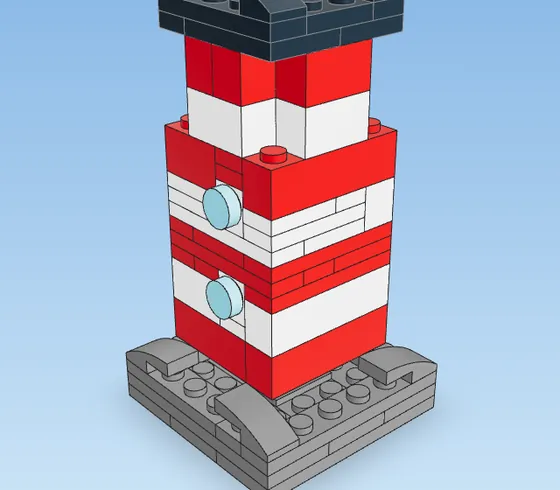
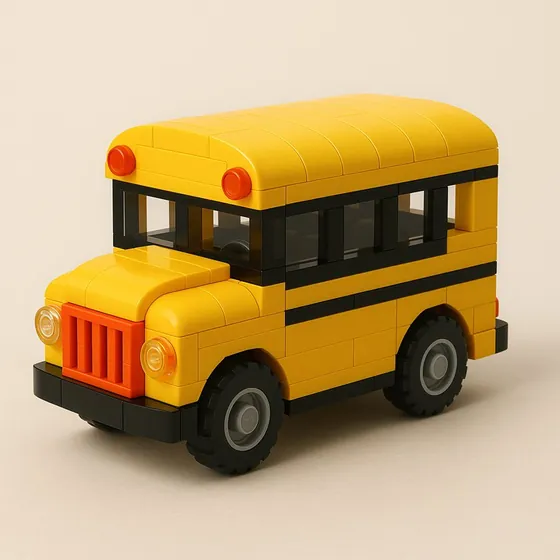
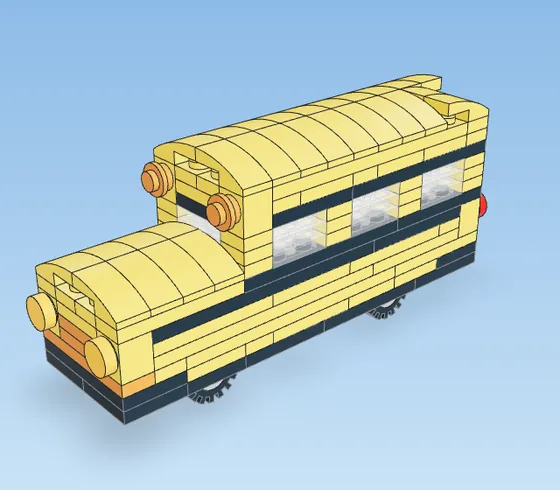
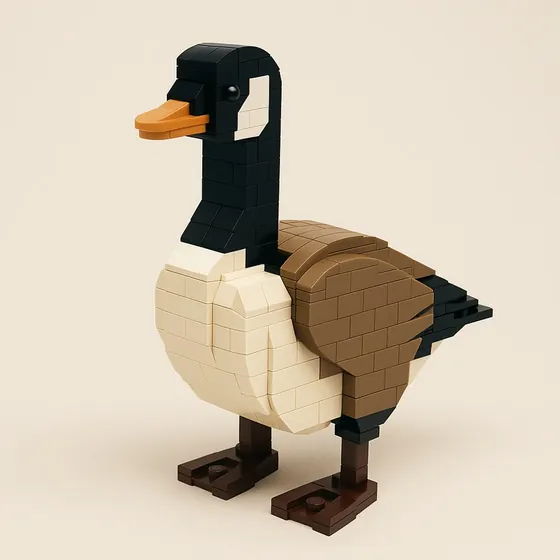
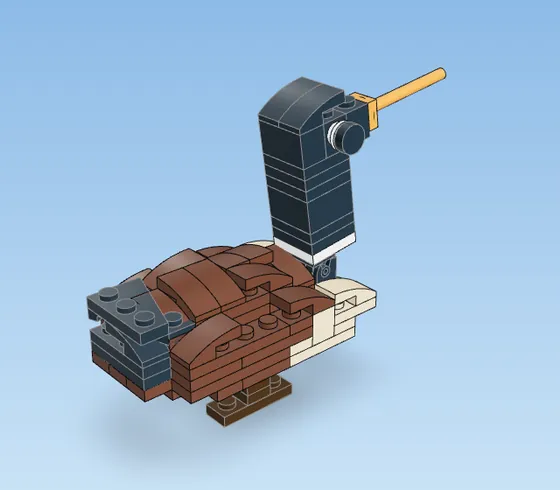
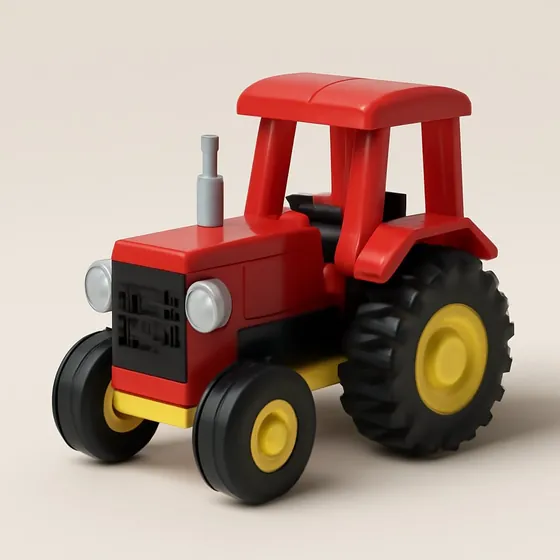
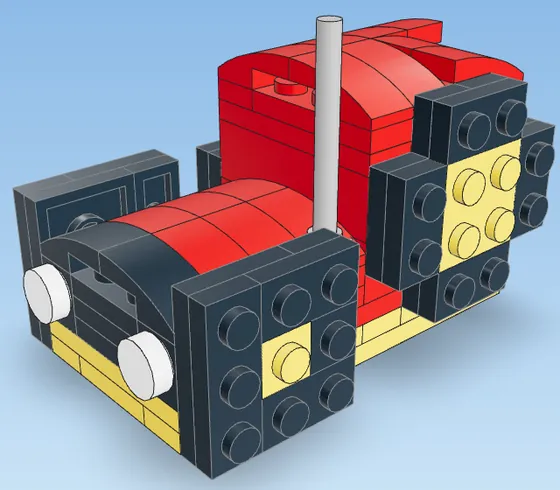
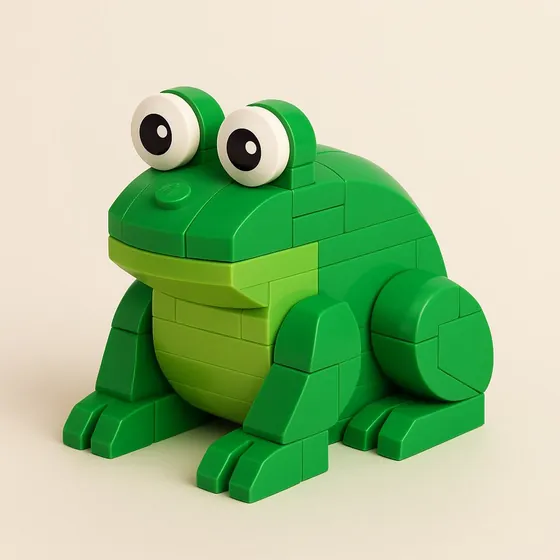
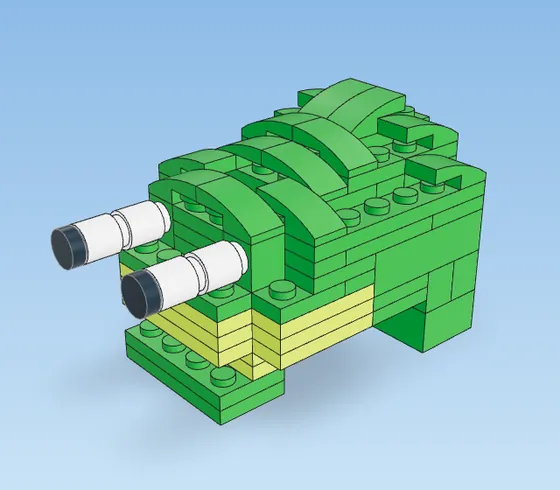
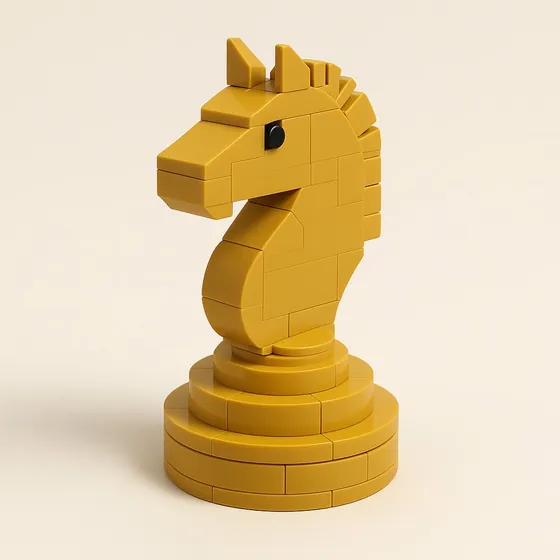
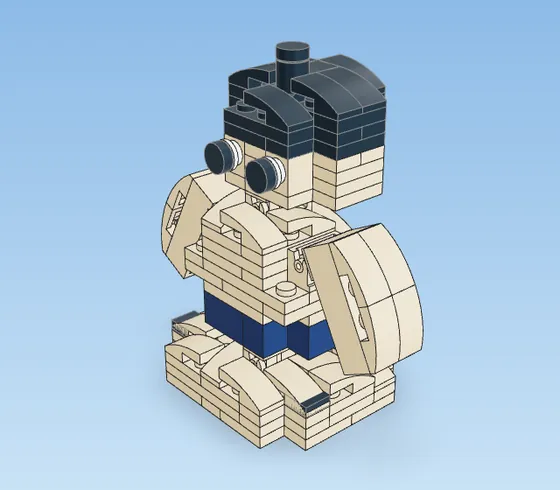
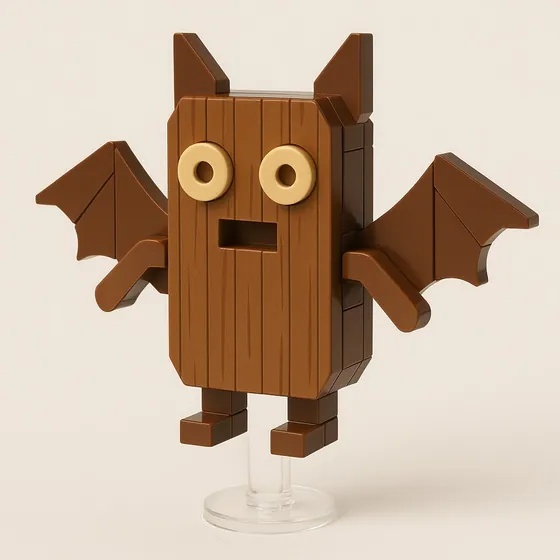
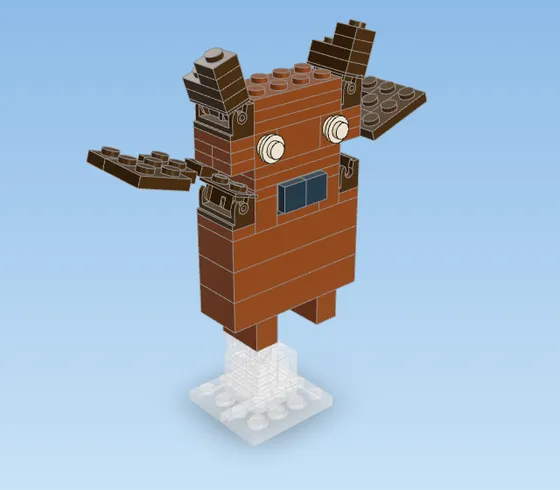
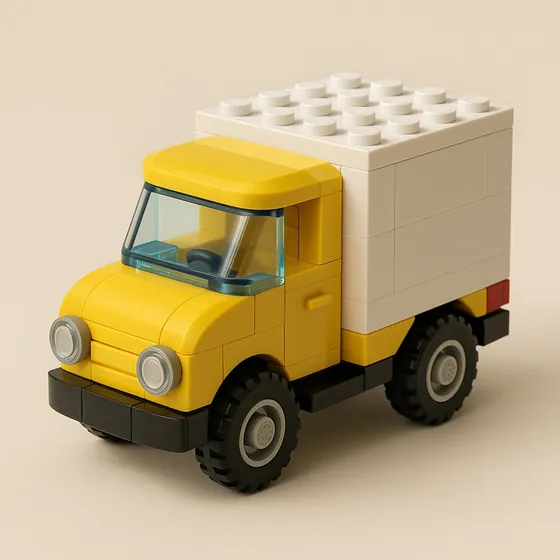
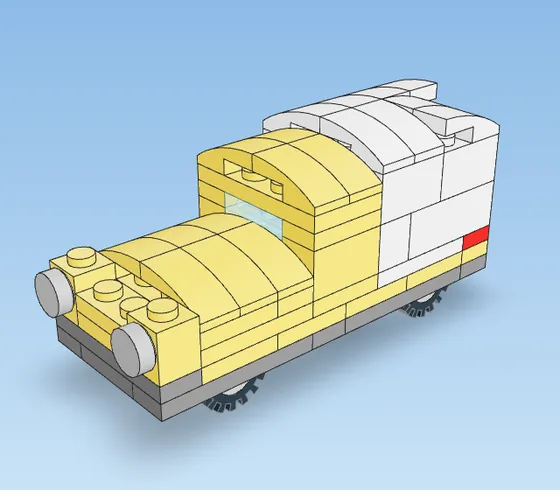
The critic still asks for things the kit can’t make yet, and the repository keeps that list. Every item on it is a new connector or a new part, never a return to letting models place bricks:
- a second rotation axis, for swept-back wings and turned heads;
- clips and bars at any angle, for beaks, shafts and handles;
- wedge plates for feathers and tapered tails (already measured, not yet in the brief);
- straight roof slopes, so a pitched roof stops looking curled (a house scored 5/10 on exactly this);
- round bricks and cones, for bushes, trees and paws;
- rejecting weak joints in the kernel, instead of waiting for the critic to notice them.
The idea underneath is simple. We imagine before we build, and the first version of Bricked couldn’t. Giving the agents a picture to work from, and giving the geometry to code, is what turned the blobs into models you can buy.